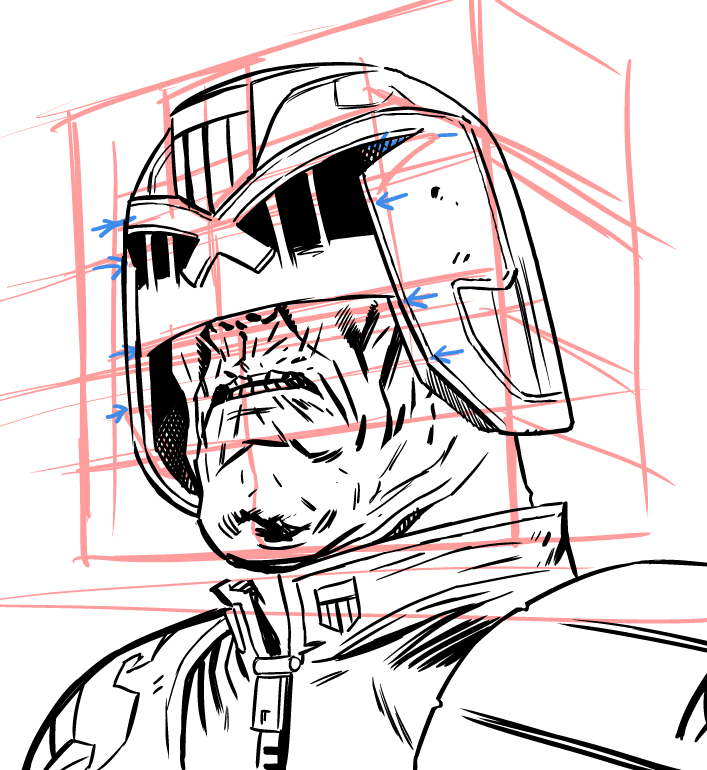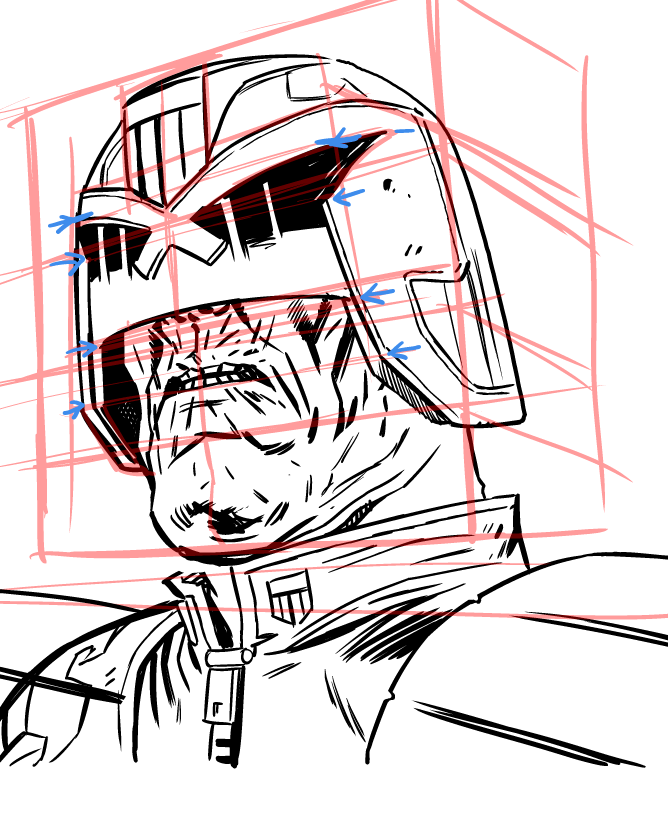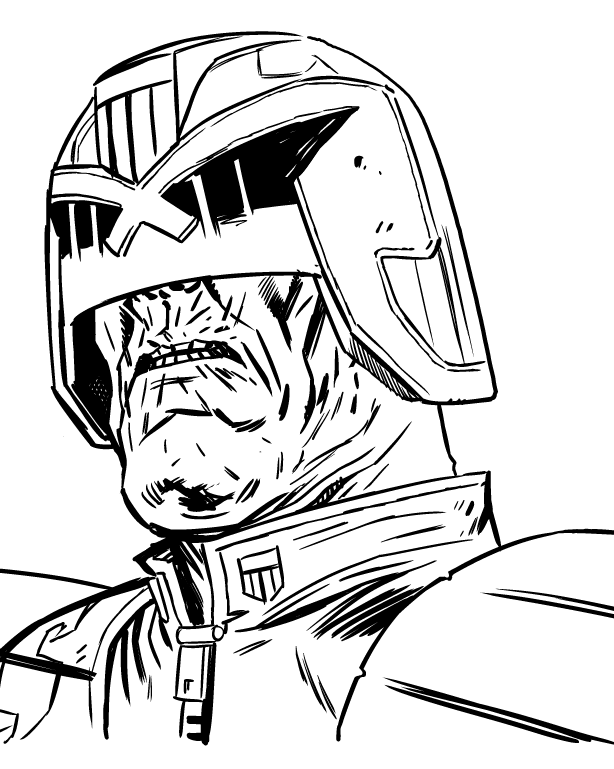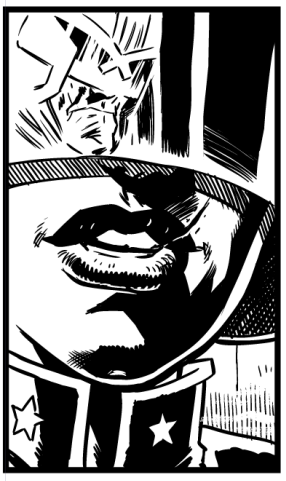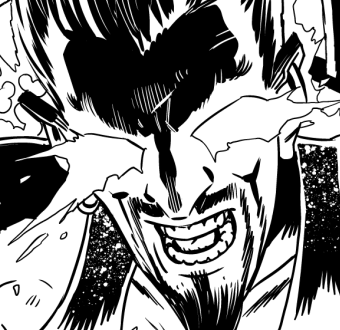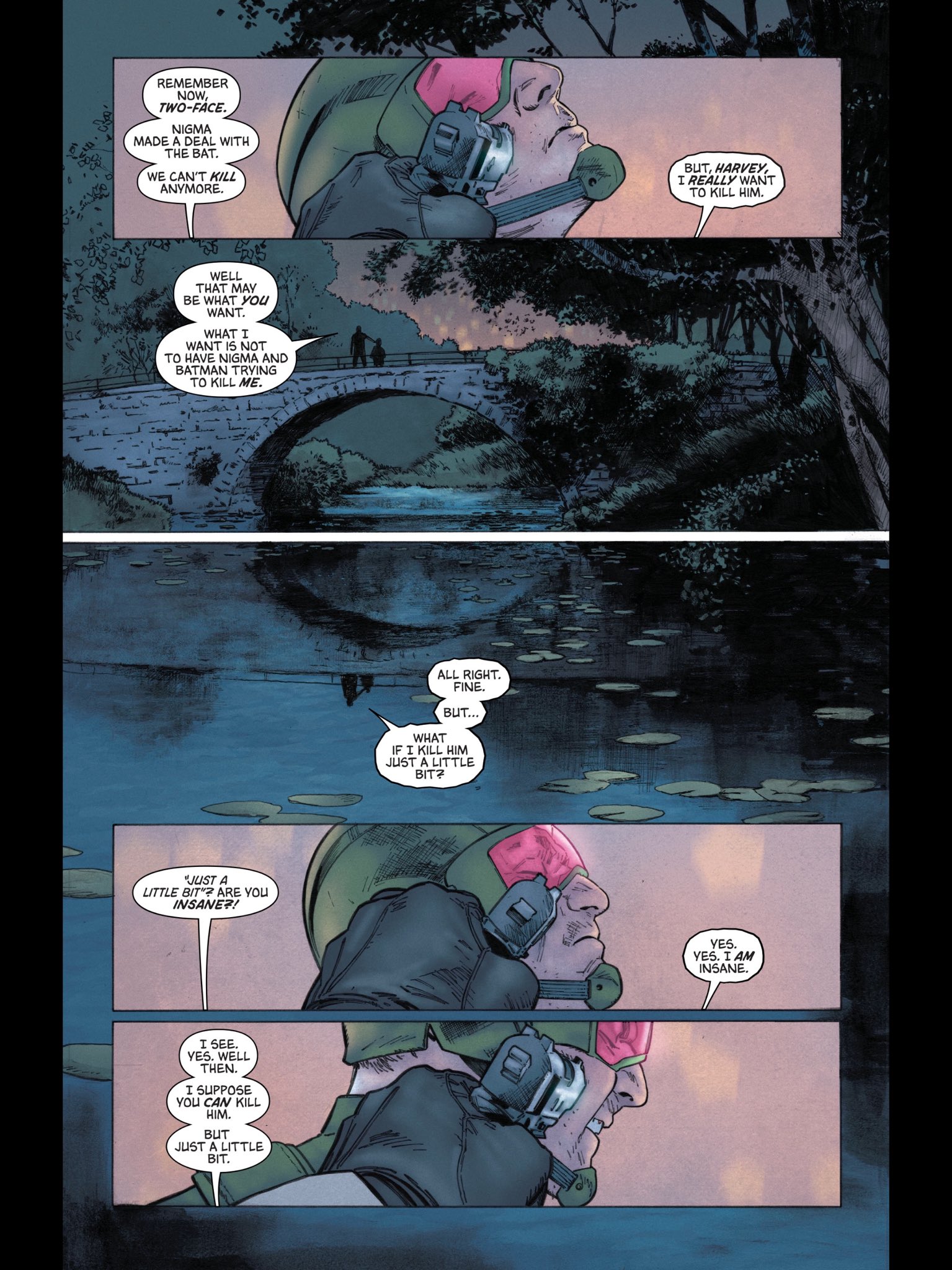
I don’t often just do a full piece for myself, but I’m off to cork this weekend and thought I’d do a very limited run of prints of a Judge Dredd piece.
The inspiration came from watching the walking dead and that scene in Skull Island where Tom Hiddleston is swatting weird monsters out of the sky with a machete through a green smoke (it’s an awesome awesome film if you haven’t seen it)
Drawn on paper and coloured in Clip Studio (using a whole load of tricks I’ve picked up from “Colour With Kurt” Kurt Michael Russell has a whole bunch of great videos (as well as a paid-for full tutorial) and i’ve been studying those things furiously. Still a long way to go, but I’m gonna try and colour more of my work.
Was talking to a writer friend the other day and they asked “if you were to come up with a doctor who game, what would the mechanic be” and honestly it popped in to my head fully formed, so here it is:
You’re trapped in the Tardis, it is malfunctioning and you have to both repair it and solve the mystery. You do so by walking round the tardis rooms and figuring out what you need, but, when you leave a room it becomes locked in a time loop. Meaning, if you re-enter the room, you encounter yourself from your previous play through of that room. You can’t change that time-locked version of you, but you CAN touch them/move them/time lock them for that moment (and if you reneter the room again, now there are two other versions of you stuck in that loop, and same rules apply – no theoreitcally upper limit…). So, for example, you enter a room, there’s a high shelf you need something there, you can’t reach. So you stand beside it for a minute, you leave and you renter, now you see yourself standing in the corner, you go over, timelock your old self (SONIC SCREWDRIVER TO RESCUE!) climb up on yourself and get the thing, then leave with it.
Anyway, that’s my fun tardis time trap mechanic, do with it what you will (but pay me a lot of money) thank you, bye!
I’ve refined my use of Clip Studio so much over the years (starting with Manga Studio 3(!) from 2006 – so coming up on twenty years) that sometimes when a new feature hits I don’t even bother with it, as I’m already optimised up the wazoo.
Anyway, a couple of versions ago, Clip Studio introduced a “Quick Access” panel – basically a pop up window that can have your most commonly used tools in one location (rather than scattered around all over the place).
I’ve been studying a bit on colouring in clip studio, and discovered that this quick access panel might answer a few distinct problems I have with workflow, and I’ve played with it and sort of love it. It’s especially useful if you have limited screen real estate. The quick access panel can use tools, menu items, actions or pretty much anything you want. I’ve set mine up for four distinct modes :
Pencilling, Inking, Flatting, Colouring and Lettering.
If you combine that with the ability to duplicate tools and add your own icons, you can have a powerful set of tools for specific modes. Here’s my pencilling set up (I won’t go in to too much detail, though I will answer comments if you have any!)
I’ve also mapped the quick access pop up to a key (Numeric zero on my keyboard or one of the quick buttons on the huion) which makes it really useful when you’ve a small screen with a small set of commonly used tools you want to pop up and down on the screen.
The Pencilling Quick Access
This has tools for Managing a new project, including an action to create page of thumbnails (custom icon on an action)
Tools for pencilling and tools for editing the panel layouts (all things I do at the pencilling stage)
Inking Quick Access
This is probably the simplest and action could be even simplified more. The numbers beside the tools here are part of the names – I coded the number keys along the keyboard with the various common tools I use and then renamed the tools to include the keyboard number so I wouldn’t forget. (Which a handy thing I nearly wish it was a built in feature)
Flatting Tools
Actually, I suspect they’re all simpler than the pencil quick access simply because it’s got most of the starting utilities I use for beginning a new project. One note on colour, I used to use the colour wheel for colour picking, but these days I’ve taken to using the colour slider, which gives you a Hue Saturation and Value sliders for changing the selected colour and takes the guess work out of which colour should I pick next.
Colouring Quick Access
No wait, this is complex! I have thousands of brushes, but lately, I’ve been focused on Kyle’s Builder Brush (Kyle of Photoshop brush fame, released this for free ages ago) and Daub Pigmentio Dual 02 – both add texture/noise to the colours as I paint them. Lots of great texture in the art.
Also a selection of actions to create different kinds of layers, saves me having to tap a new layer and adjust it afterwards.
And finally…
Lettering Quick Access
Text Edit is basically the object edit tool set up to only allow it to edit text. I’ve duplicated and created a bunch of text tools with the fonts I like, if I had time I’d make icons for all of them with the font in it (but I’m lazy)
And that’s it.
Comments are open, so if you wanna ask me about any of this, please do. (If you ask here rather than on the socials, I can answer where which means everyone gets the answer)
(or maybe next week, it’s hard to keep track) You can fill your boots with work I’ve done, that, somehow, is all coming out now or next week (it’s largely backups or shorts so even if you’re not a fan of me, there’s probably something else in there to enjoy…)
I’ve mentioned it all in the past, but now it’s all come out…
Harley Quinn Knight Terrors#2 (8 page backup)
Harley Quinn Knight Terrors #2 Cover
Catwoman Uncovered (bunch of simple illos, as a connective tissue for a whole load of catwoman variant covers in a pin up like book)
Drawn by Jame McKelvieCatwoman Winking.
Ahoy Comics Project Cryptid 10 pager with Paul Cornell (“Wormy and Me” that’s not how I describe me and Paul, that’s the title of the story)
Battle Action #4 “Death Squad” short by me and Rob Williams (I’ve forgotten the page count! 10-12?)
There’s still the Soul Plumber collection to come, The Skulduggery Pleasant Bad Magic graphic novel, The collected Fantastic Folklore, and starting next month (I think) the 8 part Judge Dredd story for 2000AD.
Been a busy old week, really not sure how you’d categorise this style of publication. I doubt even my mum would pick up all of those things, but if you pick up any of them know that I’m extremely grateful. It’s all feast or famine round these parts.
This morning I woke up having very briefly dreamed I was putting together a comic, and I thought you might like to know what it might have looked like.
As with all my favourite things it was an anthology – it was nameless, but I’m calling it “FLUX” because – well, I remember sitting with some people way back in 1992/93 talking about doing a comic and flux was the title of that, and why not.
Fully formed from the dream was that it would contain a black and white western strip (weird western) stuff … strong potaganist, having strange adventures – drawn by Dan McDaid and here’s a link to his blog (and his Twitter/X account and bluesky). Dan’s a muscular artist, chonky and great to look at and also a fab writer. He could do this. Also: not afraid to draw horses…
(lifted from Dan’s blog, hope he doesn’t mind!)
Secondly, Gustaffo Vargas – a Peruvian comic artist based in Edinburgh (here’s a link to one of his successful kickstarters) and here he is in a couple of the social media places we have to spread ourselves thinly across these days: Twitter/X, BlueSky
I posted about this on bluesky, and because I was just waking my subconcious knew I meant futuristic fairytale but my conscious mind thinks I meant something else. Subconscious wins it though!
Here’s some of Gustaffo’s artwork:
That’s it, when I woke I had a vision but as the day has worn on that vision has blurred a little. I didn’t even give myself a gig in this dream comic (annoying) but come on, this comic looks like it would be cool, right?
I suspect if I’d slept a little longer I’d’a dreamed up something cool for Artyom Trakhanov to do whose artwork has a dream like quality (and if pushed I’d say give him something galaxy wide, far future space opera?)
I mean just look at that!
Given those distinct strong voices, we’re gonna need something much more visually calming (god I hope that doesn’t sound negative, because it’s not!), and my old mate Dylan Teague (bluesky) might be the balm we all need. Dylan’s thing is almost certainly space opera though, so I’d have to think of something else, maybe earth based far future about a vigilante who is taking down the corporations who’ve ruined the earth. Nice political scifi adventure (with a protaganist with a bob, because I know Dylan would enjoy that)
I would probably find myself a job in that book, I’ll take b&w cosmic horror, thank you.
Oh and a final humour strip? (maybe not humour? maybe pulp noir detective?) By Dan Schkade (bluesky)
I’ve had three deliveries of comps (complimentary) copies over the last week. One box every few days and it’s been fun!
First issue #2 of Knight Terrors: Harley Quinn wherein I do my best “Ok., I’m not Ben Templesmith but I’ll try” (Ben had drawn part one and I was drafted in for part two)
Next, a big ol’ box of the paper back of Soul Plumber – I’d forgotten entirely it was coming, but it was fun when it arrived.
And then, today, “Catwoman Uncovered” a collection of Catwoman covers, which I drew some images for which I assumed where for a backup article, but nope! turns out they were for a little connective tissue between pin ups, genuinaly gasped out loud to see my catwoman on page 1.
I’d forgotten how fun it was to get comps, and how quickly you feel buried by them.
Issue 2 of PJ Holden’s A4 – a free micro fiction ‘zine. This issue contains the stories: Death Awaits, Love at its Core, Body-Fu, Tok Tik, A Reflection of You, The Shimmering Tower and Command
Hey! Look, I did it! A proper issue 1 of my A4 ‘zine, A4!
Most of these stories were written in a flurry of activity after I’d finished the zero issue – itself more a test of concept than anything else. To my surprise we’ve had a decent number of downloads (around 400+ I say that because I only thought to add a download counter sometime after doing it, so there’s a good chance it’s closer to 500+)
Anyway, if you’re interested, here’s the download for issue 1:
So, looks like (somehow) I have three books all coming out in October, and they are:
Soul Plumber
Concept by MARCUS PARKS, HENRY ZEBROWSKI, and BEN KISSEL
Written by MARCUS PARKS and HENRY ZEBROWSKI
Art by JOHN McCREA and PJ HOLDEN
Cover by KYLE HOTZ
$16.99 US | 152 pages | Softcover | 6 5/8″ x 10 3/16″ |
ISBN: 978-1-77952-068-5
ON SALE: 3 Oct 2023
From the creators of The Last Podcast on the Left, exorcism just got a whole lot easier. After attending a seminar hosted in a hotel conference room by a mysterious group called the Soul Plumbers, Edgar Wiggins—disgraced former seminary student—discovers what he thinks is the secret to delivering souls from the thrall of Satan. But after stealing the blueprints and building the machine himself, out of whatever he can afford from his salary as a gas station attendant, Edgar misses the demon and instead pulls out an interdimensional alien, with dire consequences for all humankind. Get ready for things to turn bizarre, barfy, and biblical!
Collects DC Horror Presents: Soul Plumber #1-6.
A small town in the middle of Ireland, a string of unexplained deaths and a monster on the loose. Better call in the experts.
When Skulduggery Pleasant and Valkyrie Cain drive into Termoncara, they discover a town with a dark past and a people haunted by their own secrets. There is a creature stalking the streets – a creature who delights in cruelty, who feeds off the little hatreds, who grows stronger with every drop of blood spilled.
Horror and mystery collide in an original graphic novel by Derek Landy, P.J. Holden, Matt Soffe, Rob Jones and Pye Parr.
Publisher: HarperCollins Publishers ISBN: 9780008585785 Number of pages: 144 Weight: 270 g Dimensions: 260 x 170 x 9 mm
Due date: 12th October 2023
Fascinating Folklore: A compendium of Comics and Essays
With their combined talents, John Reppion and PJ Holden have created an astounding compendium and a unique way to learn about everything folklore from around the world!
The creative seed for Fascinating Folklore began under the popular hashtag #folklorethursday. Each week Reppion tweeted a different writing prompt on a folkloric theme that PJ would swiftly adapt into a stunning single-panel comic. What began as a creative challenge between two friends rapidly developed; Reppion expanded each of his original prompts into a rich essay corresponding to each of PJ’s stunning comics. The range of folkloric topics in the book is genuinely expansive, from Hawthorne, Blackberries, and the Willow tree to the legend of Boudica, the Wandjing spirits of Western Australia, and the Japanese ghost, Okiku!
As you may or may not know, I bought a Huion Kamvas (sic) 16 graphics tablet and – for the price – it is FABULOUSLY impressive – honest. Resolution, while not 4k (it’s HD, but in a 16″ screen that’s about 140dpi) is actually pretty damn good and price wise (I got it for around £300) it is hard to beat.
Currently it’s on sale on amazon for £349 (and there’s a 15% voucher off the price too right now).
Mine is a year old. Within a very short period of time, I’d scratched the display up. At that price, it was slightly annoying but not maddening. One thing I didn’t buy with it, largely because I’d bought similair for the ipad pro and hated it, was a protective screen. BUT – I bought one recently an placed it on the screen and it’s really made a big difference, firstly the scratches (while still present and still visible) you can no longer feel – the pen just glides over them, and better – new scratches will only effect the screen protector and I can always buy a new one.
I did have a bit of a painful time getting the dirt out of it, accidentally adding more little bubbles of dirt when I tried to fix, and then I tried a different technique (I’ll not recommend it just in case it’s not great long term, but certainly short term it really helped)
I half lifted the screen protector off (half of it had lots of speckles of dirt the other half was pretty clear – all, I stress – my own fault) then sprayed lens cleaner, and wiped the dirty area with the screen protector cloths that came with the protector, then placed the screen on – which left slightly excessive bubbles of liquid under the screen, but I pressed those out to the edges (using a credit card) and it seems to have picked up all the dirt and restuck to the display perfectly well.
Next time I buy the screen protector and apply it immediately and if you’re buying the Huion I recommend you do the same.
Subscribe to my Newsletter!
Stay in the loop with everything you need to know.